
Free Greeting Cards Made with Your Own Photos
Pick a template, add photos from your camera roll, write a message, and send a personalized greeting card from your phone. Free on iOS and Android, no account needed.
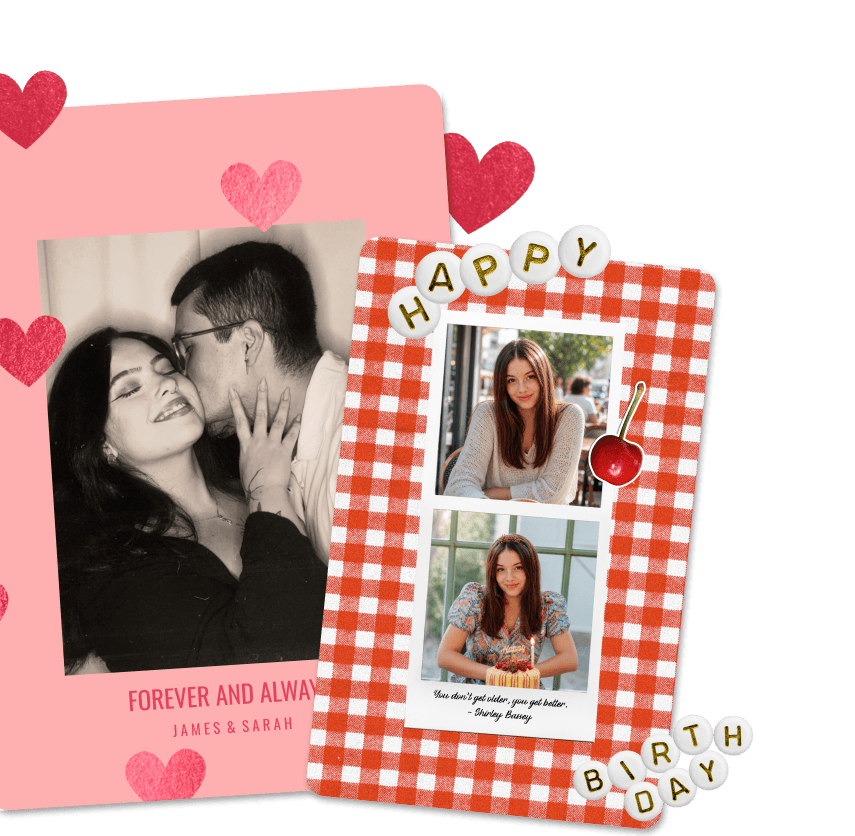
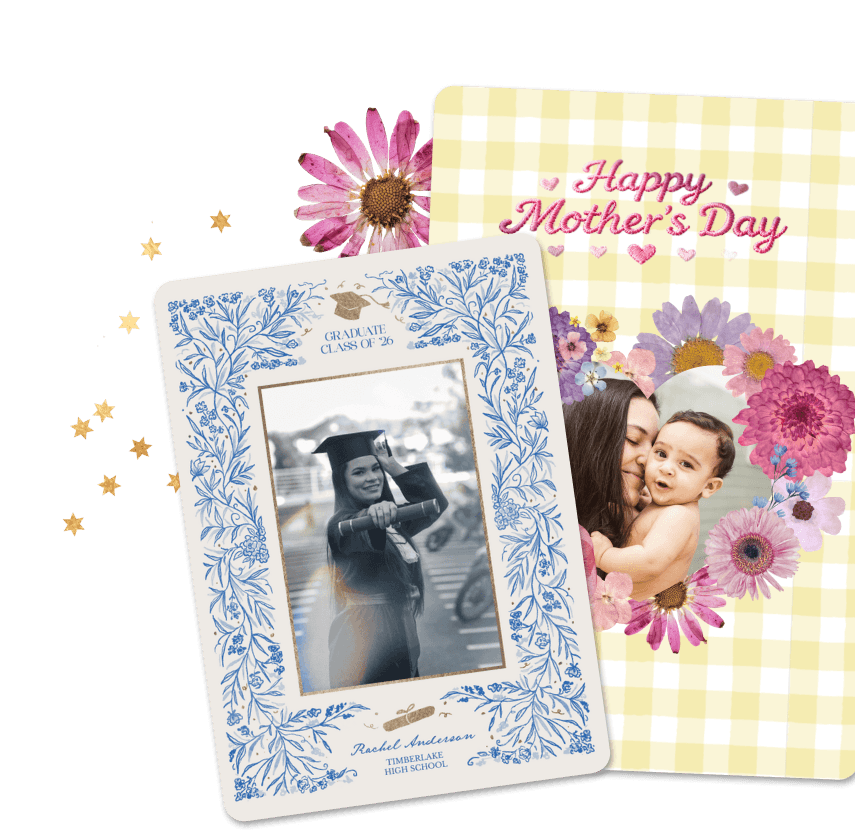
Free Greeting Cards Made with Your Own Photos
Pick a template, add photos from your camera roll, write a message, and send a personalized greeting card from your phone. Free on iOS and Android, no account needed.
Free Greeting Cards Made with Your Own Photos
Pick a template, add photos from your camera roll, write a message, and send a personalized greeting card from your phone. Free on iOS and Android, no account needed.
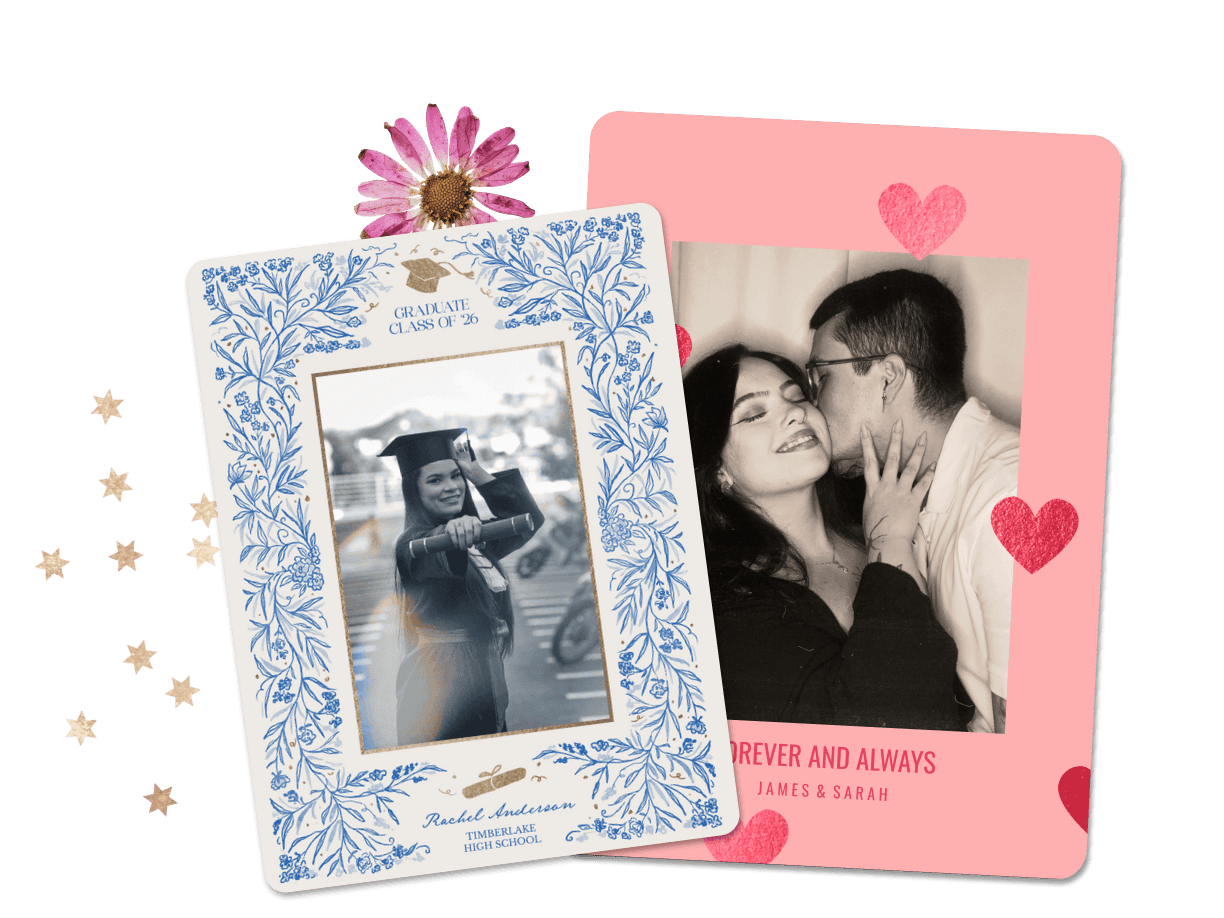
Why Make Greeting Cards in PicCollage?
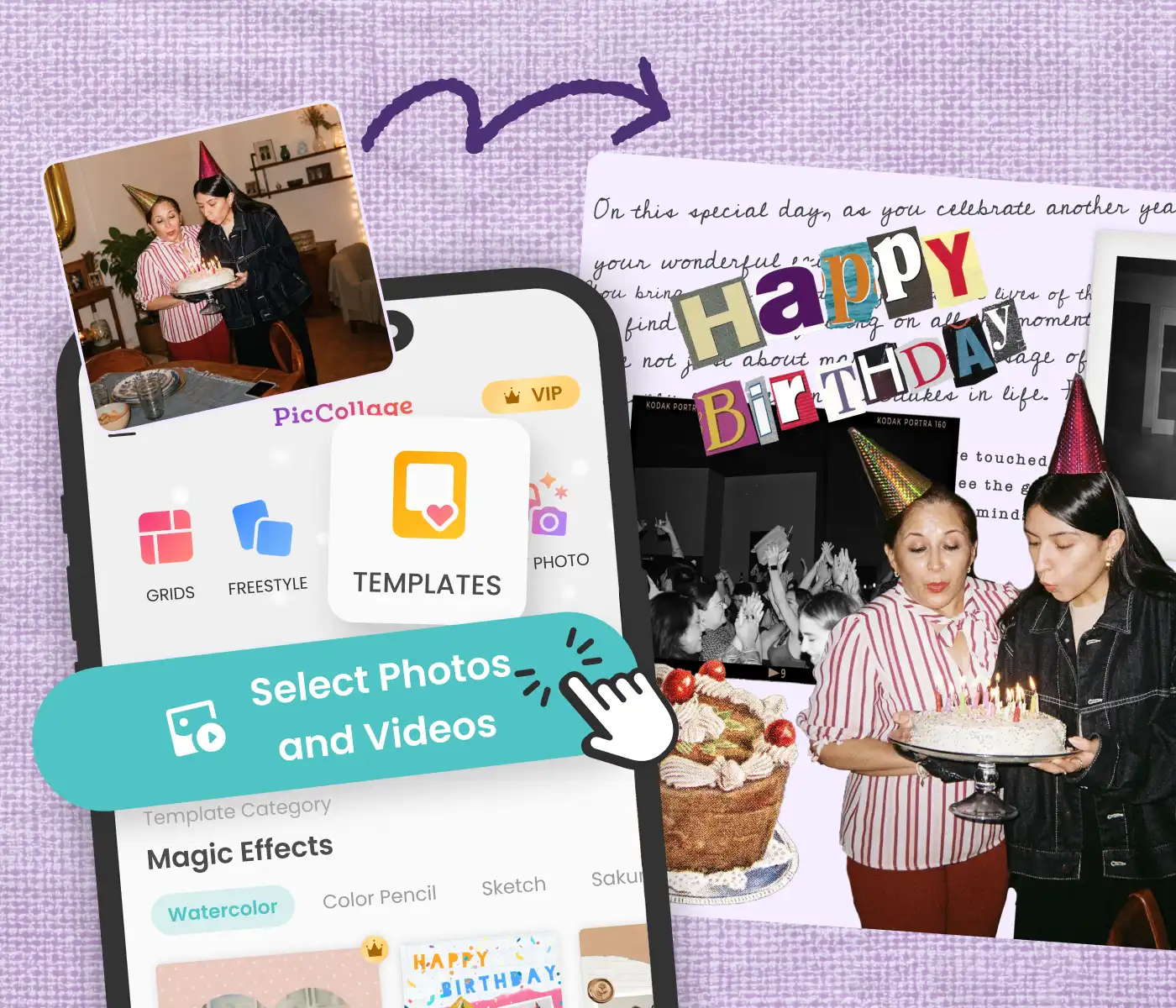
Your Photos on the Card
Use any photo from your camera roll
Pick from free greeting card templates or start blank
Finish a card in a few minutes, right from your phone
Your Photos on the Card
Use any photo from your camera roll
Pick from free greeting card templates or start blank
Finish a card in a few minutes, right from your phone
Customize It However You Want
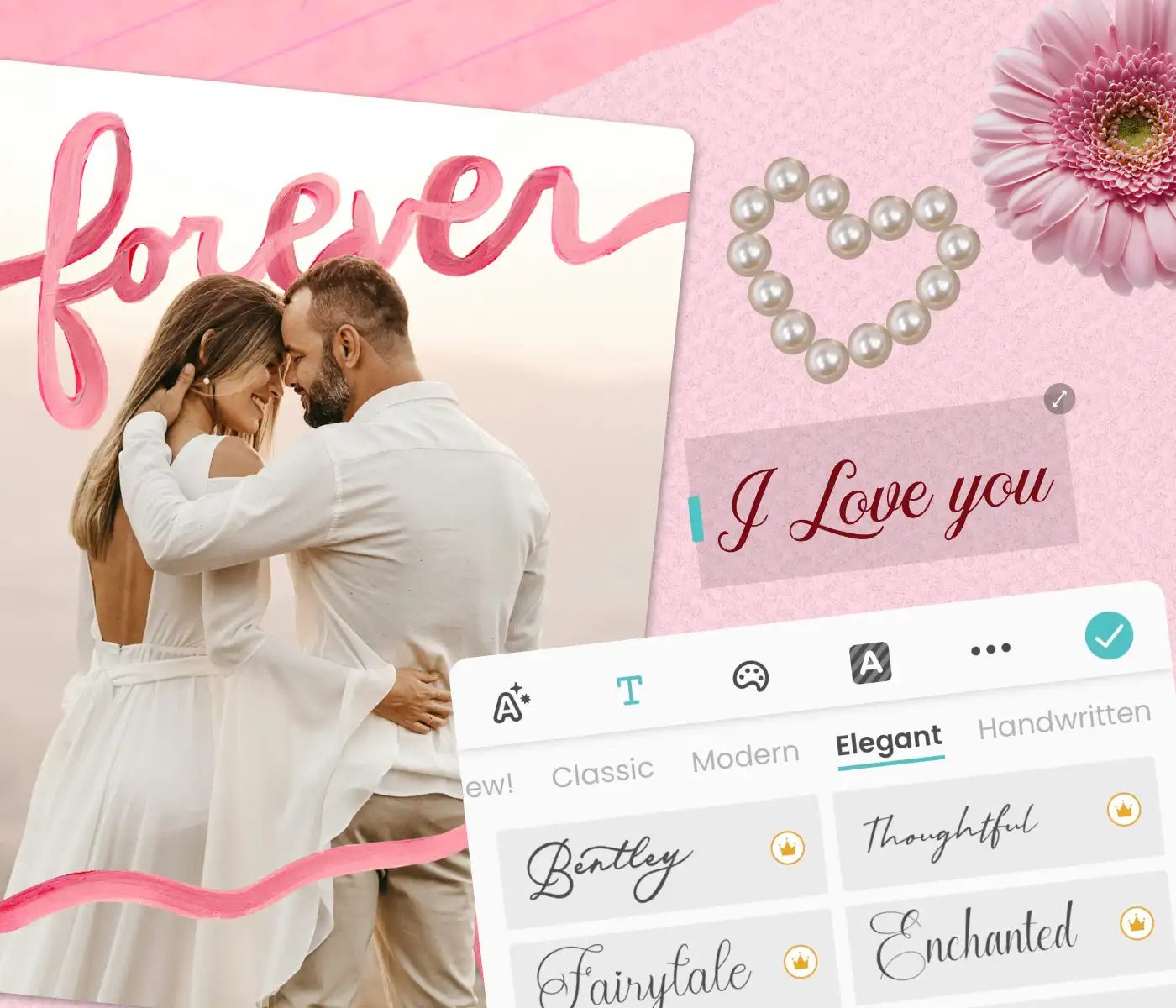
Add stickers, fonts, and colors that match the occasion
Write your own message, not a pre-written one
Digital greeting cards that look and feel handmade
Customize It However You Want
Add stickers, fonts, and colors that match the occasion
Write your own message, not a pre-written one
Digital greeting cards that look and feel handmade
Send It or Print It
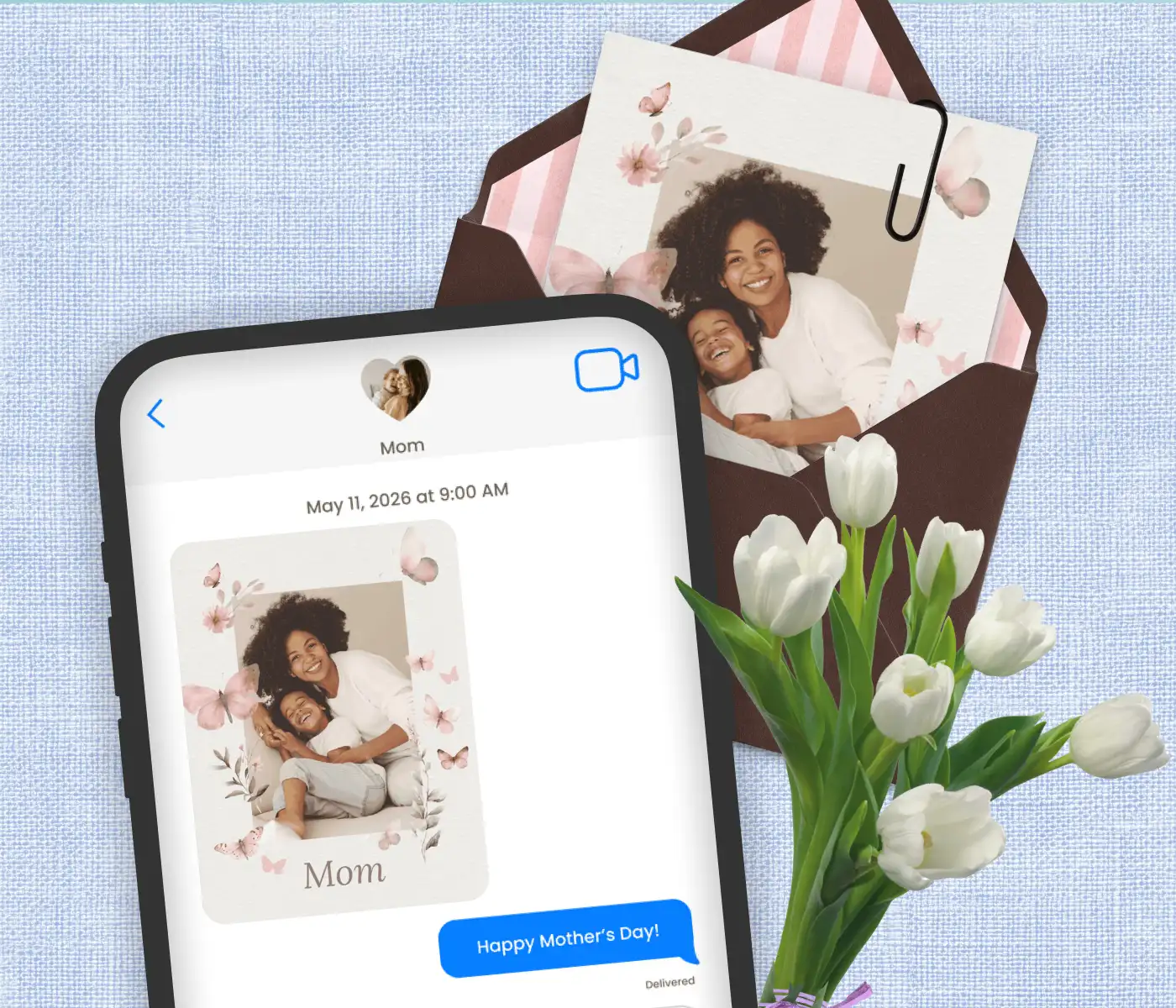
Share a virtual greeting card via WhatsApp, text, or email instantly
Save in HD and print at home or at a shop
Works as a digital greeting card, an ecard, a printed card, or all three
Send It or Print It
Share a virtual greeting card via WhatsApp, text, or email instantly
Save in HD and print at home or at a shop
Works as a digital greeting card, an ecard, a printed card, or all three
Greeting Card Templates for Any Occasion
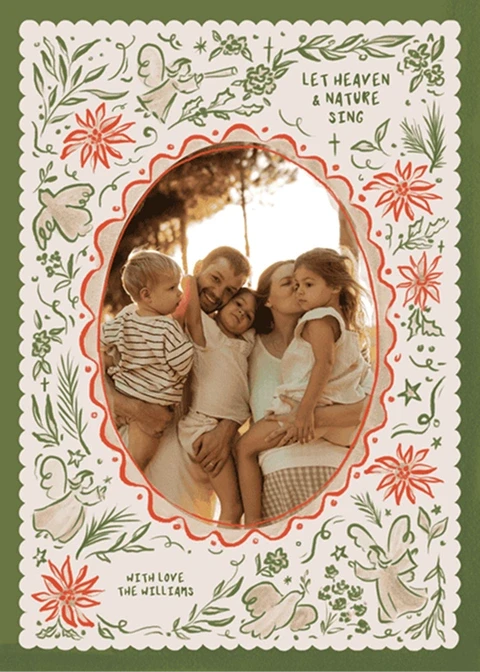
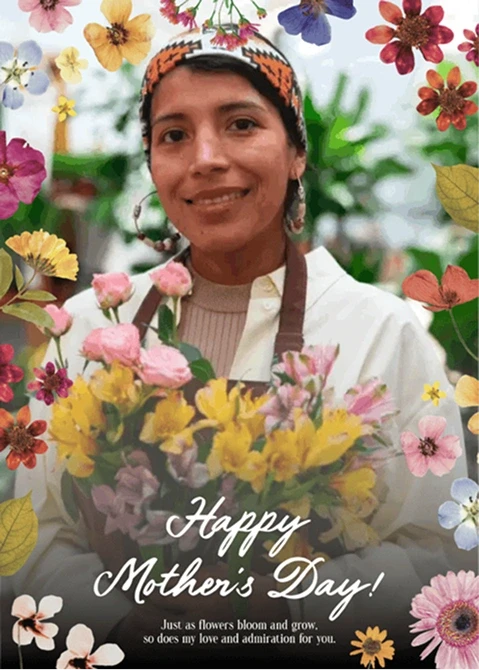
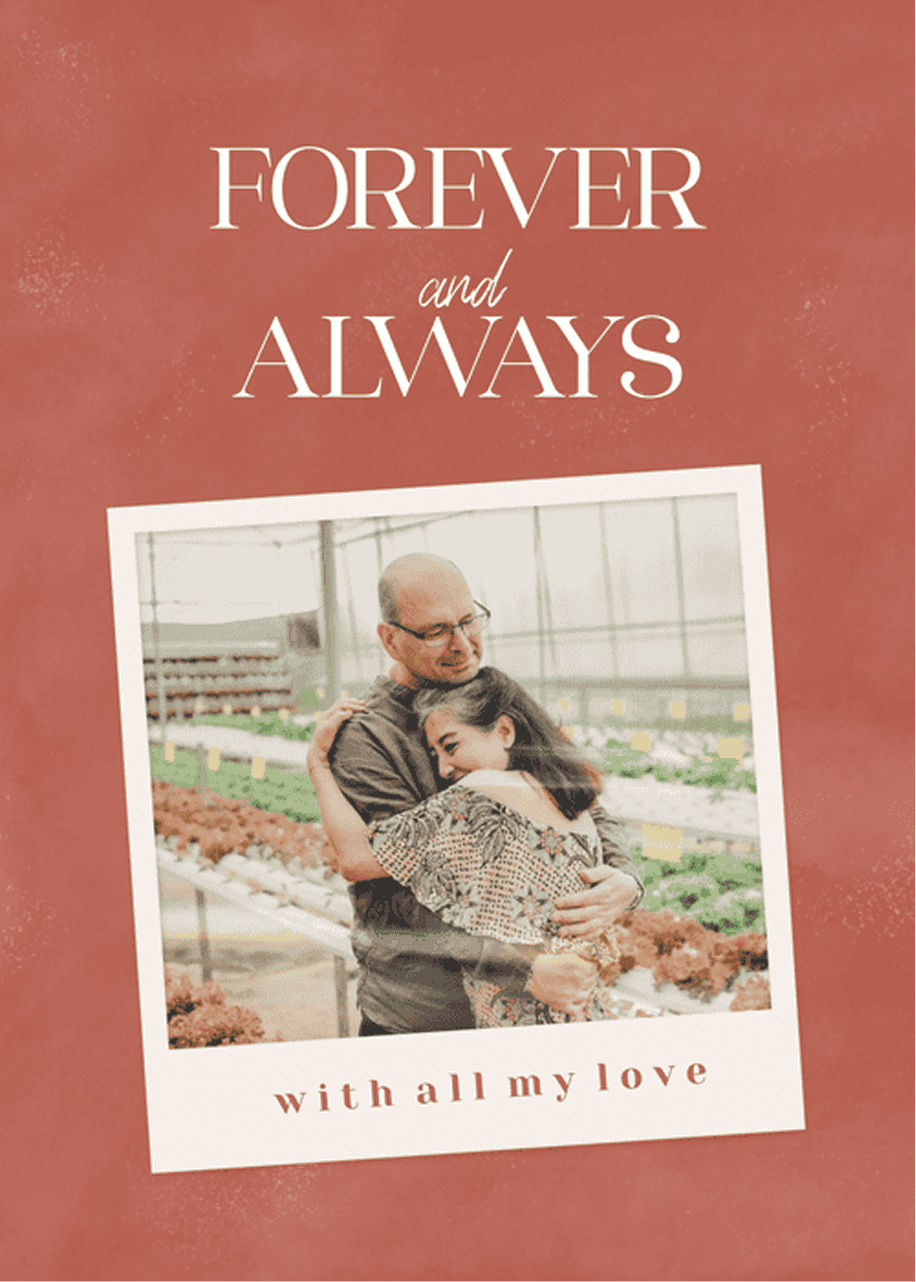
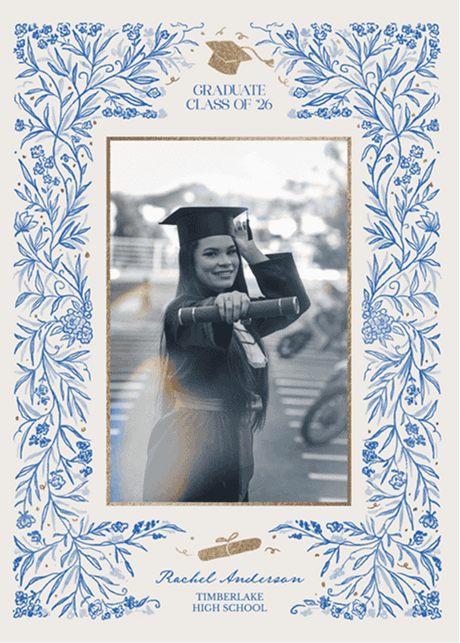
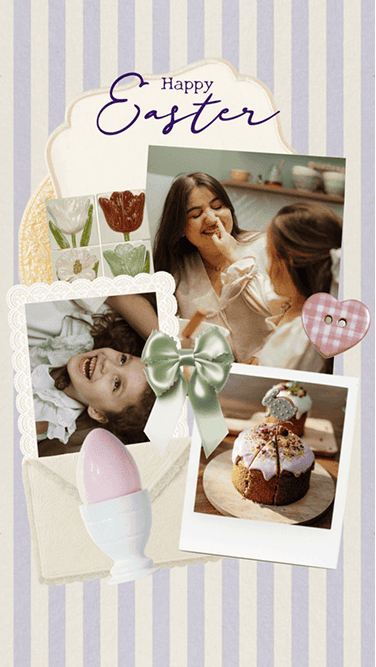
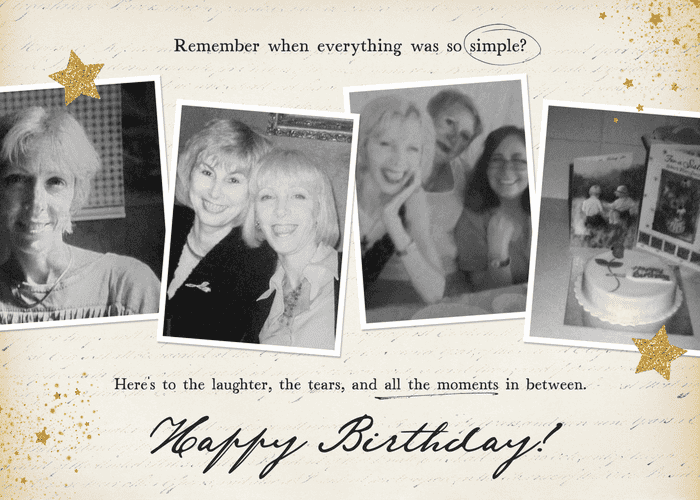
Birthday, Valentine's Day, Mother's Day, Christmas, graduation, or just because. Browse personalized greeting card templates, add your photos, and send something that could only come from you.


How to Make a Greeting Card in PicCollage
01
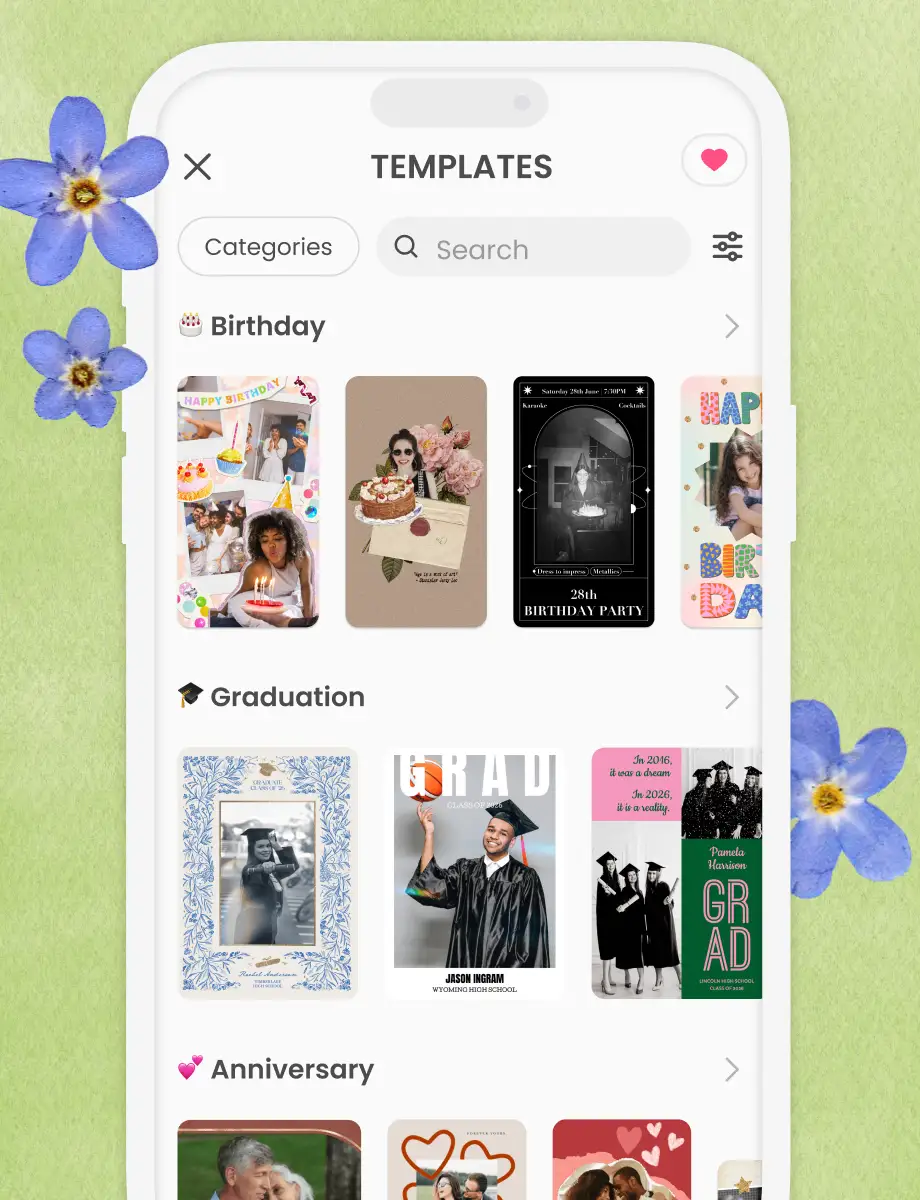
Pick a Template
Browse free greeting card templates for birthdays, holidays, Valentine's Day, or any occasion. Or start from a blank canvas.
02
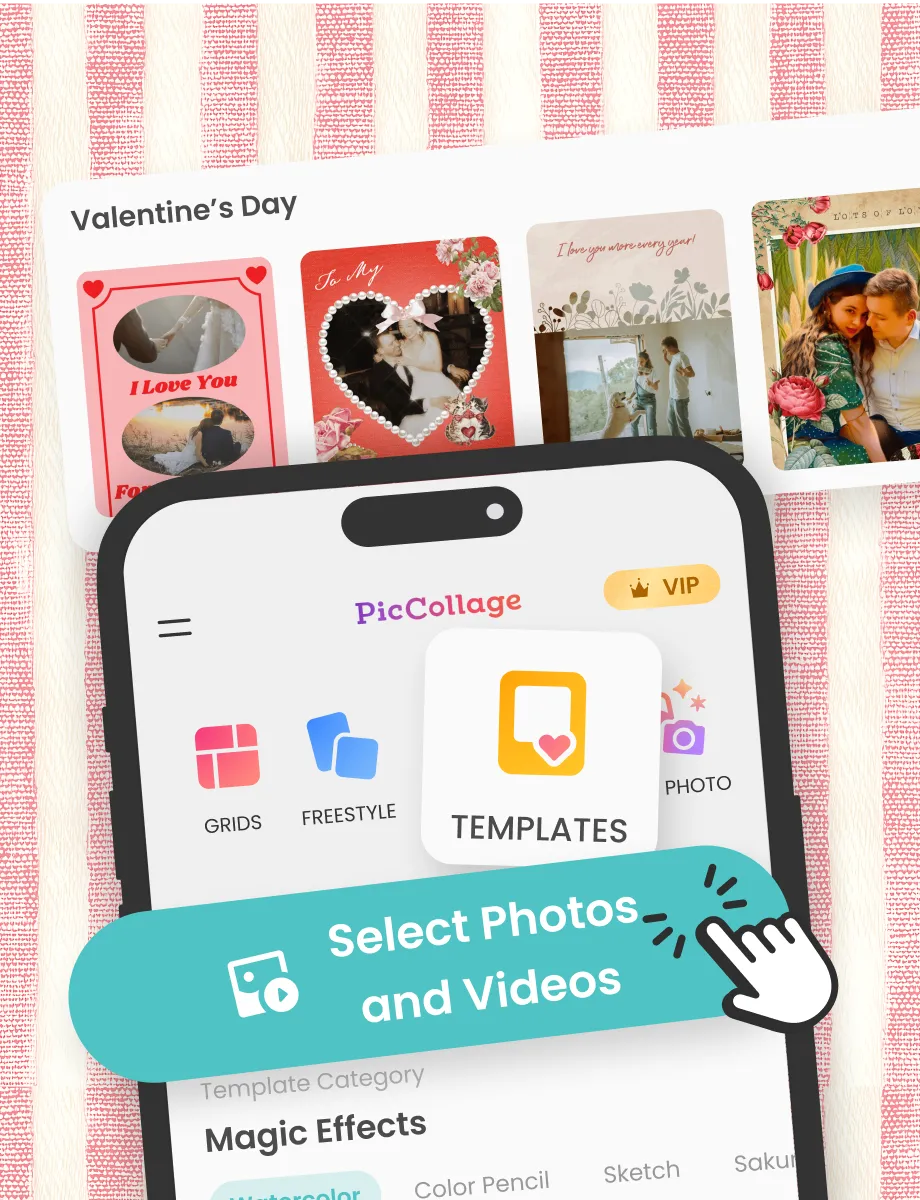
Add Your Photos and Personalize
Pull in photos from your camera roll. Write your message, pick your fonts, add stickers or overlays if you want them.
03
Share or Print
Send your greeting card through WhatsApp, text, or email. Or save it in HD and print at home.
How to Make a Greeting Card in PicCollage
01
Pick a Template
Browse free greeting card templates for birthdays, holidays, Valentine's Day, or any occasion. Or start from a blank canvas.
02
Add Your Photos and Personalize
Pull in photos from your camera roll. Write your message, pick your fonts, add stickers or overlays if you want them.
03
Share or Print
Send your greeting card through WhatsApp, text, or email. Or save it in HD and print at home.
Personalized Greeting Cards Made with Your Own Photos
Store-bought cards look like store-bought cards. The design is nice enough, but it could have come from anyone. A PicCollage greeting card has your photos on it, which means it could only have come from you.
Pick a template to get started or open a blank canvas and build from scratch. Add your photos, write a message, adjust the layout, throw in a filter, an overlay, a sticker. When it looks right, it's done.
PicCollage is free to download on iOS and Android. No design experience needed. Most people finish their first card in under five minutes.
Personalized Greeting Cards Made with Your Own Photos
Store-bought cards look like store-bought cards. The design is nice enough, but it could have come from anyone. A PicCollage greeting card has your photos on it, which means it could only have come from you.
Pick a template to get started or open a blank canvas and build from scratch. Add your photos, write a message, adjust the layout, throw in a filter, an overlay, a sticker. When it looks right, it's done.
PicCollage is free to download on iOS and Android. No design experience needed. Most people finish their first card in under five minutes.
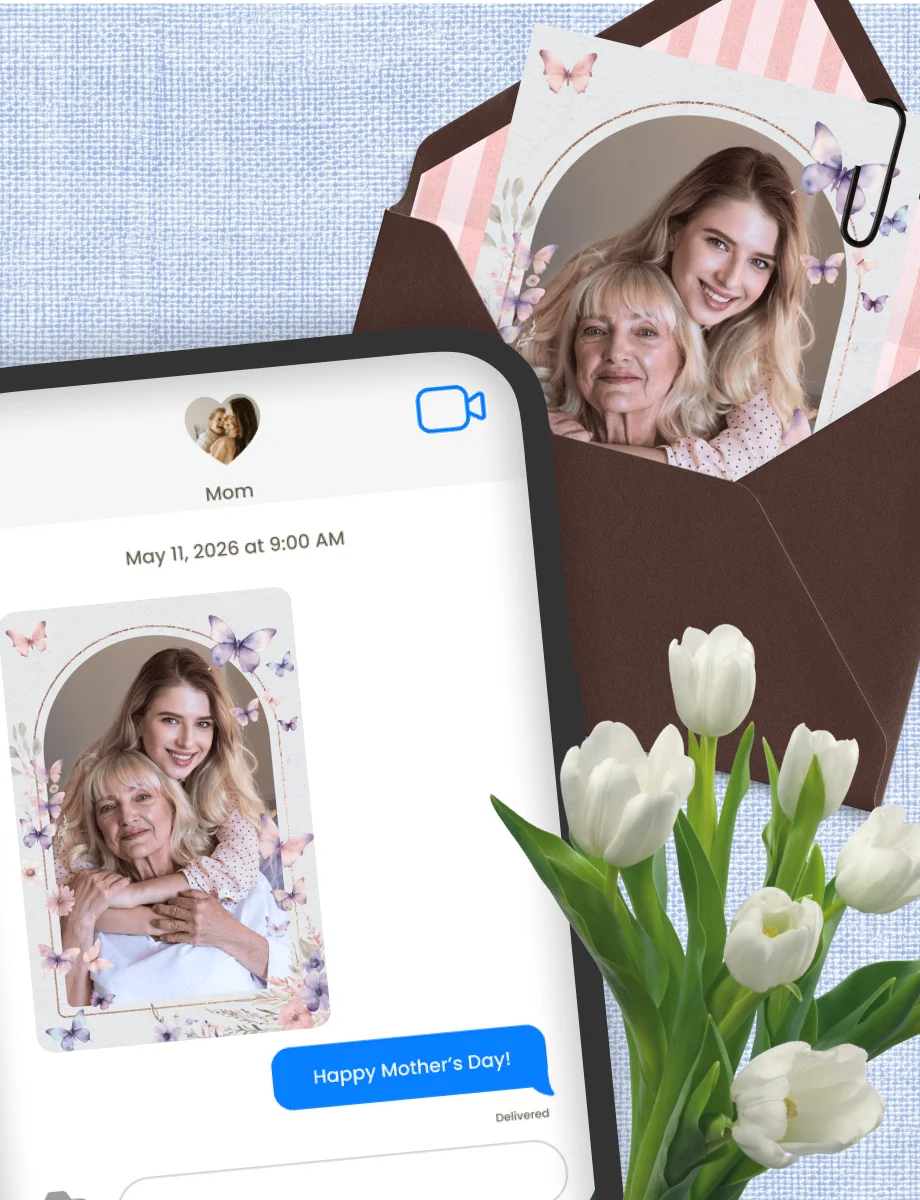
Send a Digital Greeting Card from Your Phone
A digital greeting card skips the store, the stamp, and the wait. You make it on your phone and send it through WhatsApp, text, or email. The person on the other end gets it the same day, sometimes within minutes of you finishing it.
Virtual greeting cards work especially well for people who live far away. No envelope to track down, no post office run. You finish the card and it goes.
Most ecards use stock photos and pre-written messages. PicCollage greeting cards use photos from your own camera roll, which is a different thing entirely. The person receiving it can tell the difference.
Send a Digital Greeting Card from Your Phone
A digital greeting card skips the store, the stamp, and the wait. You make it on your phone and send it through WhatsApp, text, or email. The person on the other end gets it the same day, sometimes within minutes of you finishing it.
Virtual greeting cards work especially well for people who live far away. No envelope to track down, no post office run. You finish the card and it goes.
Most ecards use stock photos and pre-written messages. PicCollage greeting cards use photos from your own camera roll, which is a different thing entirely. The person receiving it can tell the difference.
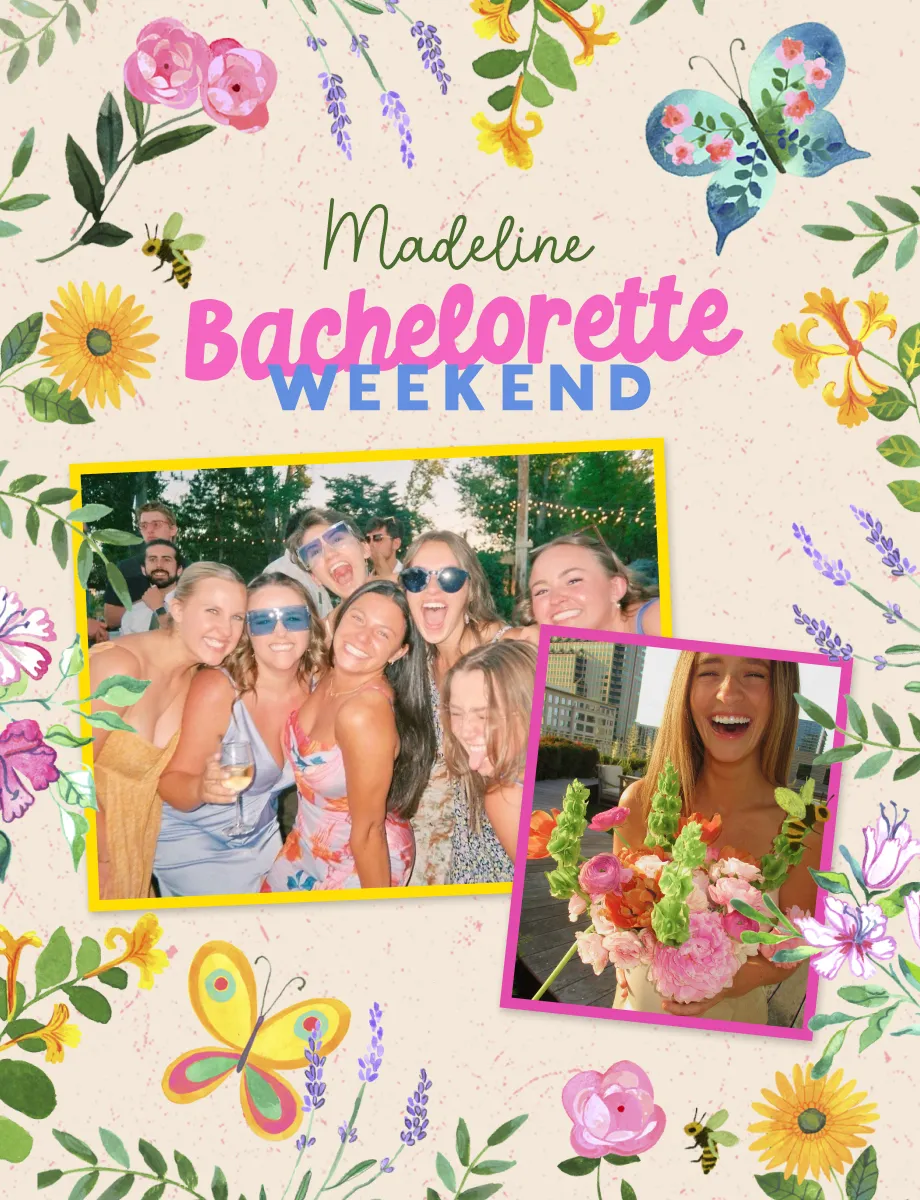
Greeting Cards for Every Occasion
PicCollage has templates for birthdays, Mother's Day, Father's Day, Valentine's Day, Christmas, Thanksgiving, New Year's, weddings, graduations, bridal showers, and more.
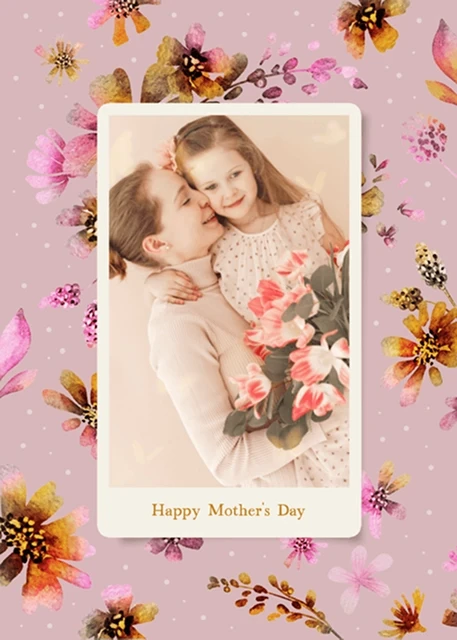
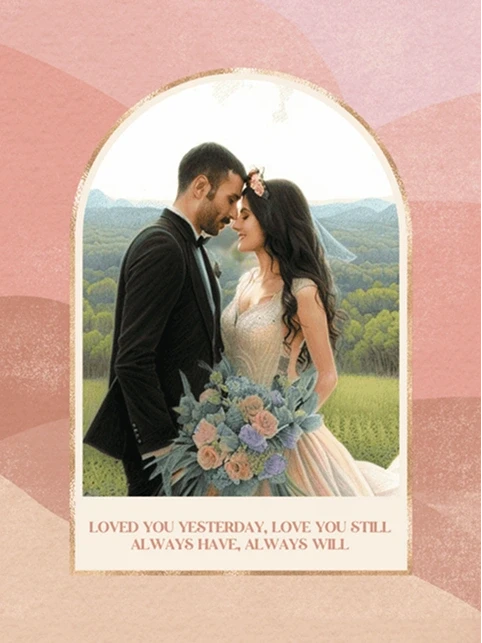
Most of these occasions come with real pressure to send something that feels personal. A Mother's Day greeting card that looks like it came from a template doesn't land the same way as one built around a photo she hasn't seen in years. A wedding greeting card with a message that could have been written for anyone is different from one that references something specific to the couple. The occasion matters. So does the card.
PicCollage greeting card templates are built around each occasion so the starting point already feels right. Pick the one that fits, swap in your photos, adjust the layout, write your message. The template does the structure. You do the rest.
Whatever the occasion, the card ends up looking like something you made for that specific person on that specific day. Because it is.
Greeting Cards for Every Occasion
PicCollage has templates for birthdays, Mother's Day, Father's Day, Valentine's Day, Christmas, Thanksgiving, New Year's, weddings, graduations, bridal showers, and more.
Most of these occasions come with real pressure to send something that feels personal. A Mother's Day greeting card that looks like it came from a template doesn't land the same way as one built around a photo she hasn't seen in years. A wedding greeting card with a message that could have been written for anyone is different from one that references something specific to the couple. The occasion matters. So does the card.
PicCollage greeting card templates are built around each occasion so the starting point already feels right. Pick the one that fits, swap in your photos, adjust the layout, write your message. The template does the structure. You do the rest.
Whatever the occasion, the card ends up looking like something you made for that specific person on that specific day. Because it is.
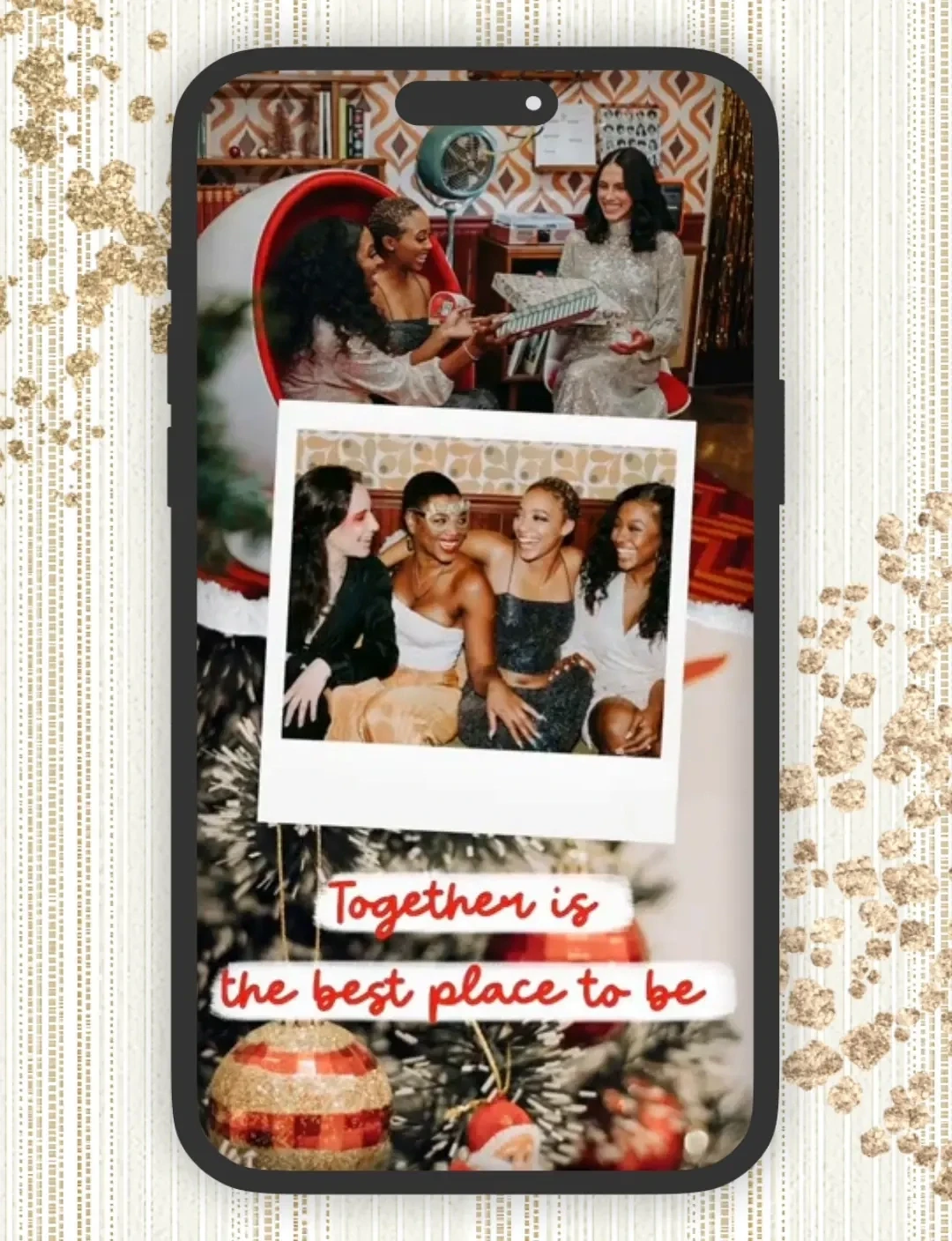
Greeting Cards with Photos and Videos
A PicCollage greeting card doesn't have to sit still. Add a video clip alongside your photos and send something that actually moves. A snippet from the birthday party, a few seconds from a holiday morning, a candid moment that's better in motion than in a still.
Photo and video greeting cards work well for occasions where a single image doesn't quite capture it. Birthdays, anniversaries, holidays, any moment that had sound and movement and people in it.
PicCollage is free on iOS and Android. Your camera roll is already full of the material. The card is closer than you think.
Greeting Cards with Photos and Videos
A PicCollage greeting card doesn't have to sit still. Add a video clip alongside your photos and send something that actually moves. A snippet from the birthday party, a few seconds from a holiday morning, a candid moment that's better in motion than in a still.
Photo and video greeting cards work well for occasions where a single image doesn't quite capture it. Birthdays, anniversaries, holidays, any moment that had sound and movement and people in it.
PicCollage is free on iOS and Android. Your camera roll is already full of the material. The card is closer than you think.

01
Choose Digital Scrapbook Templates
Open PicCollage and browse hundreds of scrapbook templates. Pick the designs that you like.
02
Add Photos & Scrapbooking Decorations
Upload photos and add your personal touch. Choose stickers, fonts, and paper textures. Layer photos with the cutout tool for authentic scrapbook style.
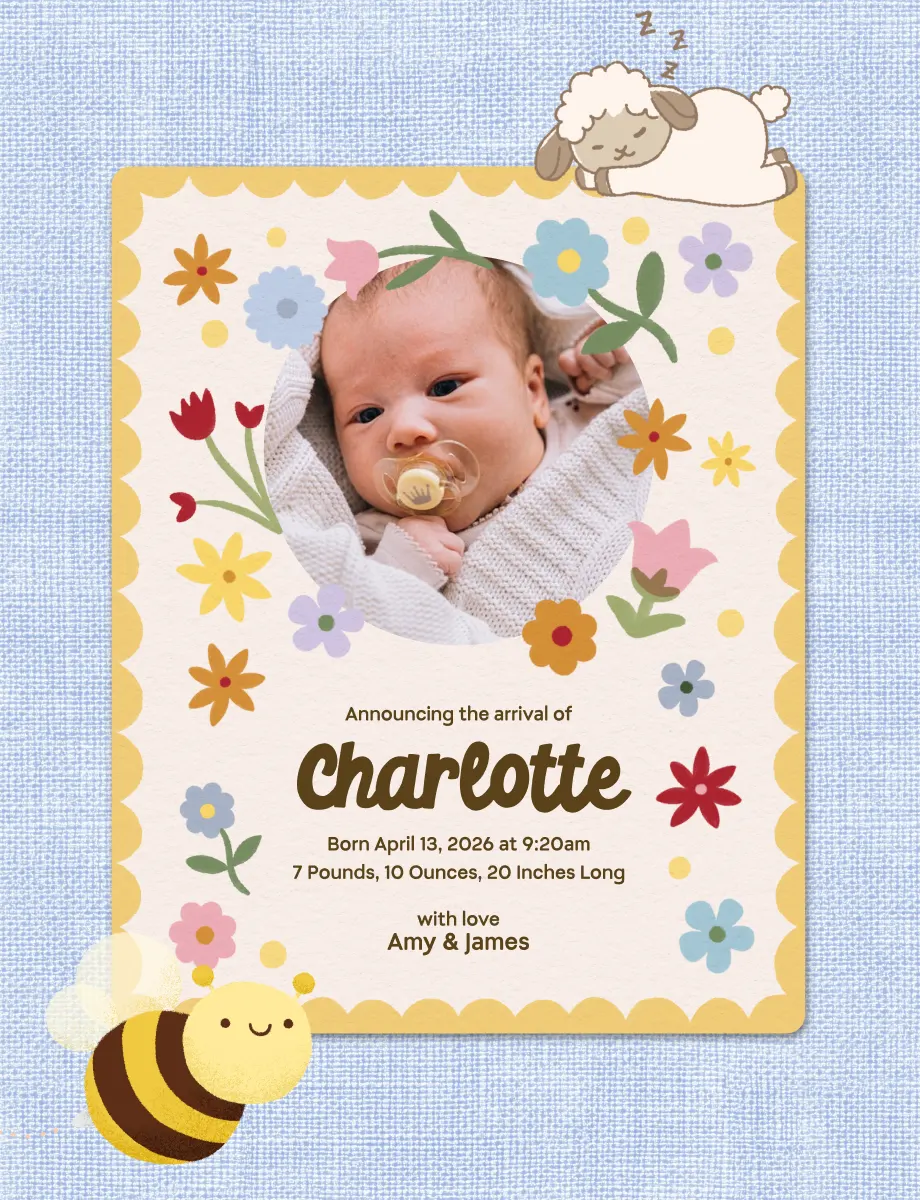
03
Save Your Digital Scrapbook Pages
Save pages in HD to your phone. Share with friends and family through text or keep them private. Your memories, your choice.
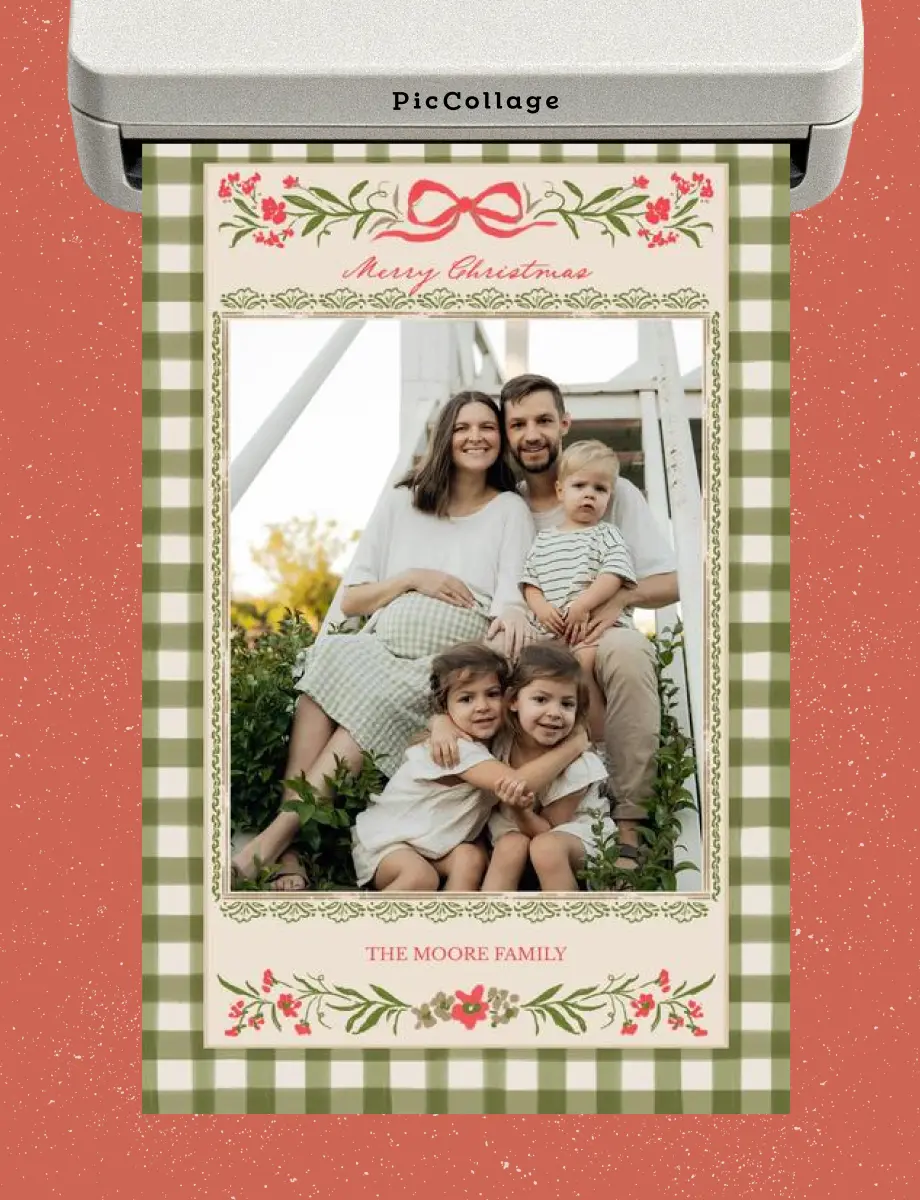
How to Make Digital Scrapbooks
Frequently Asked Questions
What is digital scrapbooking?
Digital scrapbooking means creating scrapbook pages on your phone or computer instead of with paper and glue. You arrange photos, add decorations and text, then save or share your pages digitally. Same creativity, no mess.
Is PicCollage free for digital scrapbooking?
Yes! Create unlimited pages for free. Download in HD for free. Share for free. We have premium options if you want, but you ca get started for free.
Can I make video scrapbooks too?
Yes! Mix videos with photos on the same page. Perfect for capturing voices, first steps, or birthday songs. Share digitally to let family experience the full moment.
Do I need to be creative or artistic?
Not at all. If you can pick a photo, you can make a scrapbook. Templates handle the design. You just add your memories.